
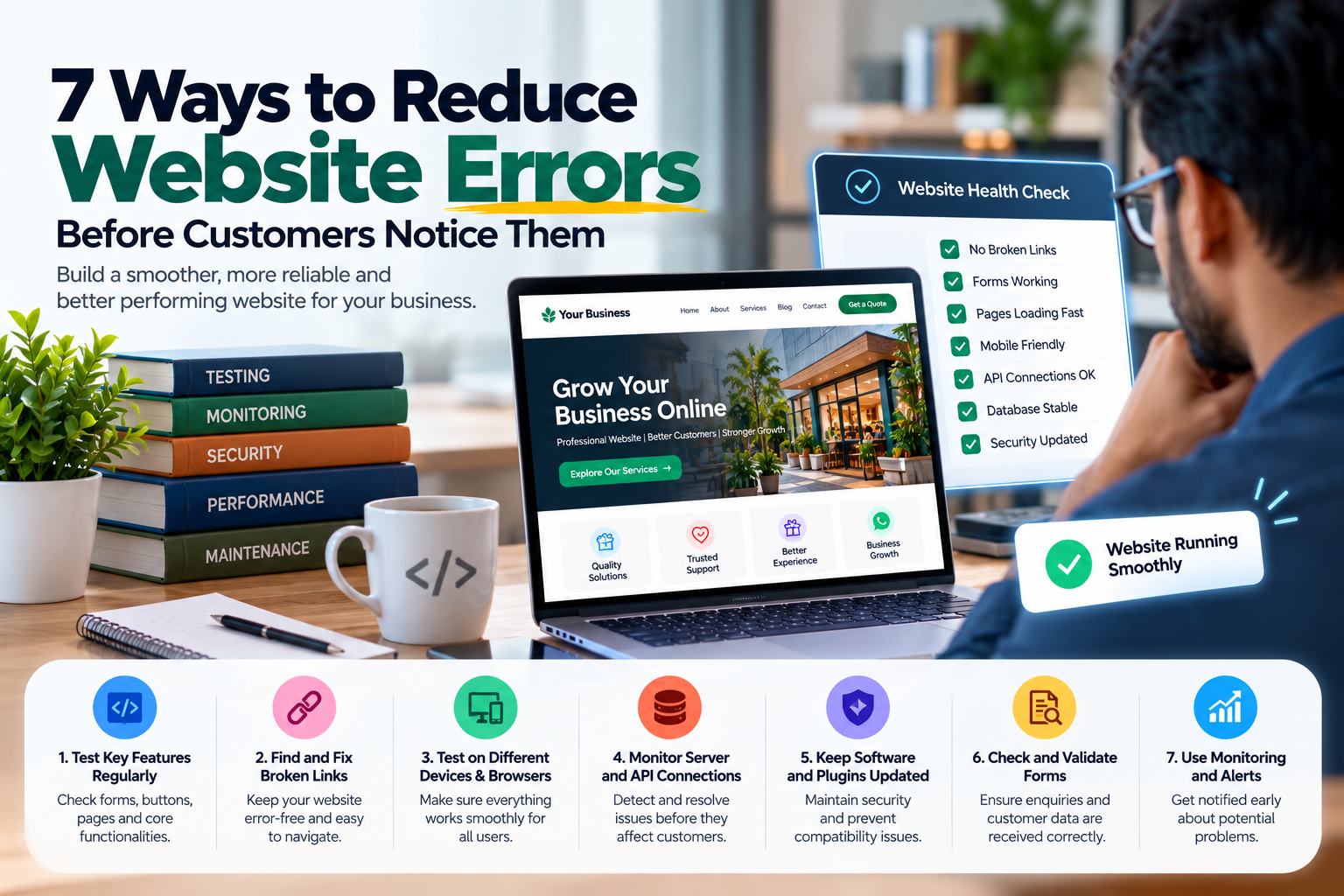
“A website may look professional on the surface, but even small technical issues can create a poor customer experience. Broken forms, missing pages, slow-loading sections, failed payments or incorrect error messages can make visitors leave the website before contacting the business. Many of these problems can be reduced when developers test, monitor and maintain the website properly. Here are seven practical ways businesses and development teams can reduce website errors before customers notice them.”
A website may look professional on the surface, but even small technical issues can create a poor customer experience. Broken forms, missing pages, slow-loading sections, failed payments or incorrect error messages can make visitors leave the website before contacting the business. Many of these problems can be reduced when developers test, monitor and maintain the website properly. Here are seven practical ways businesses and development teams can reduce website errors before customers notice them.
Validate Forms Before Submitting Data
Forms are one of the most common places where users experience errors. Contact forms, enquiry forms, login pages and checkout pages should validate user input before sending information to the server. For example, email fields should check for valid formats, required fields should not be left empty and phone number fields should accept only suitable values. Clear validation messages help users correct mistakes immediately instead of receiving a confusing error after submission.
Test Websites Across Different Devices and Browsers
A website that works perfectly on one device may not behave the same way on another. Developers should test websites across smartphones, tablets, laptops and desktop computers. Testing should also include commonly used browsers. This helps identify issues such as broken layouts, overlapping buttons, unreadable text, incorrect menu behaviour and form problems before customers encounter them.
The best website errors are the ones customers never have to see.
Check Broken Links and Missing Pages
Broken links can create a frustrating experience and make a website feel poorly maintained. Internal links, buttons, navigation items and external links should be checked regularly. If a page has been removed or renamed, proper redirects should be added where required. A useful custom 404 page can also guide visitors back to important sections instead of leaving them at a dead end.
Handle API and Third-Party Failures Properly
Modern websites often depend on external services such as payment gateways, maps, CRM systems, booking platforms and messaging tools. These services may occasionally become unavailable or return unexpected responses. The website should handle these failures gracefully. Instead of showing raw technical errors, users should receive clear messages such as “Please try again” or “Service temporarily unavailable”. Proper API error handling helps keep the customer experience professional even when another service has a problem.
Use Error Logging and Monitoring
Not every website error is immediately visible. Some problems may occur only for certain users, pages or actions. Error logging helps developers record technical issues so they can investigate them later. Monitoring tools can also alert the development team when important problems occur, such as server failures, application errors or unavailable pages. This allows issues to be identified before they affect a large number of customers.
Maintain Reliable Backups
Website updates, server problems or accidental changes can sometimes create unexpected issues. Regular backups provide a safer way to restore important files and data if something goes wrong. Backups should include website files, databases and other important configuration where required. Businesses should also make sure that backups can actually be restored successfully. A backup is useful only when it can help the website recover.
Test Important Features Before Every Deployment
New features and updates should not be pushed directly to a live website without testing. Developers should check important functionality such as forms, login systems, payments, search, mobile layouts and integrations before deployment. Testing changes in a separate environment can help identify issues without affecting real customers. This reduces the risk of introducing new problems while fixing or improving the website.
Error Prevention at Seyfert Infotech
At Seyfert Infotech, website development focuses not only on design and functionality but also on reliability. Depending on the project, development and maintenance can include responsive testing, form validation, API error handling, performance checks, security reviews, backups and monitoring. The goal is to identify common problems early and reduce the chances of customers encountering broken pages or failed features. This helps businesses provide a more stable and professional digital experience.
Why do website errors affect customer trust?
Website errors can interrupt important actions such as enquiries, payments or bookings, making the business appear less reliable.
What is website error monitoring?
Error monitoring tracks technical problems and can alert developers when important website issues occur.
Why should forms be validated?
Form validation helps prevent incorrect or incomplete information from being submitted and provides users with clear guidance.
How often should a website be tested?
Important features should be tested before major updates and reviewed regularly after launch.
Why are website backups important?
Backups help restore website files and data if an update, server issue or accidental change causes a problem.
Does Seyfert Infotech provide website testing and maintenance?
Seyfert Infotech can provide development and maintenance support including testing, performance checks, backups, integrations and technical improvements based on project requirements.