
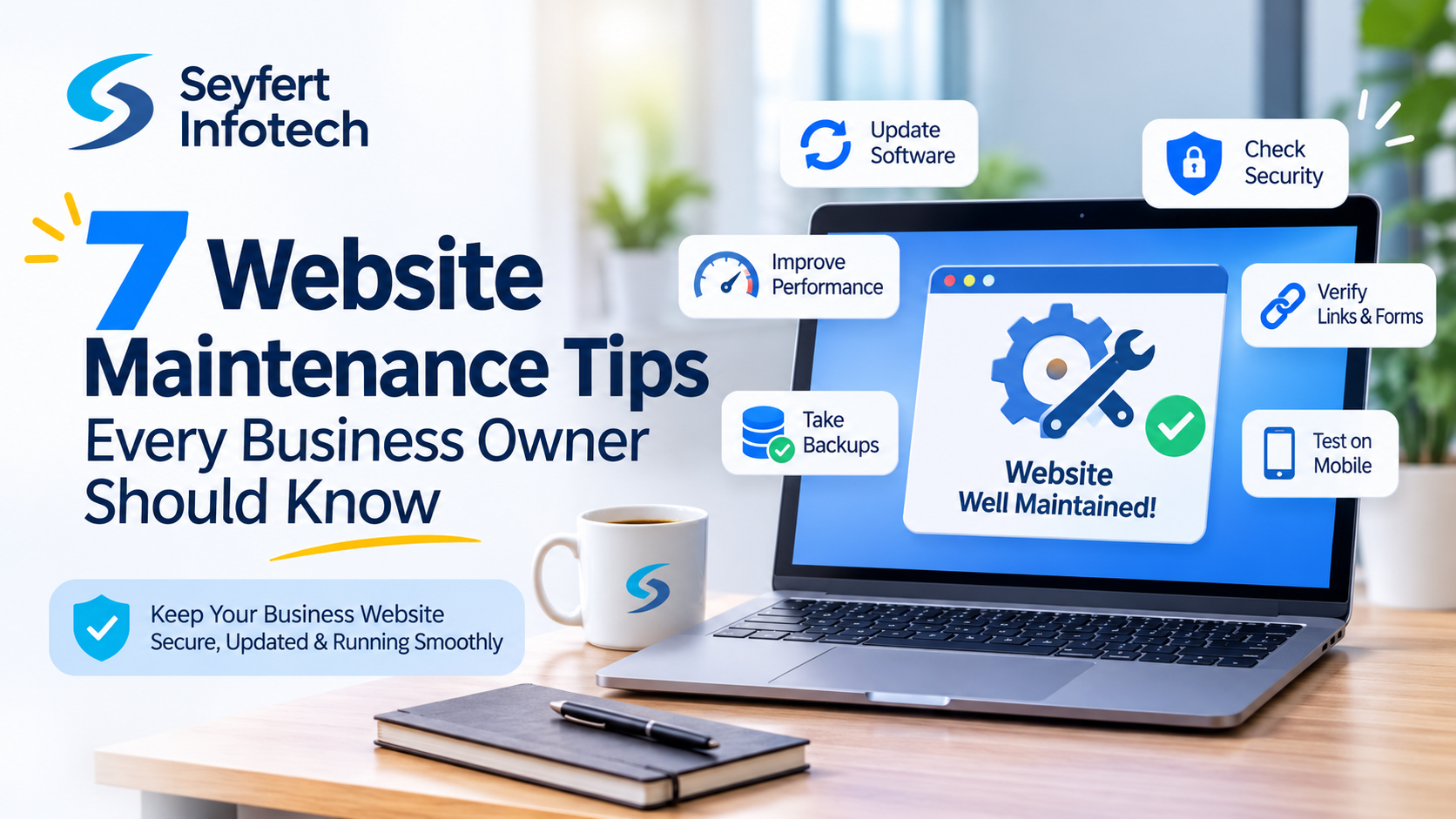
“Launching a business website is an important step in building your online presence. But website development doesn't end when your website goes live. Just like any other business asset, your website needs regular maintenance to keep it working properly. Over time, outdated content, broken links, software updates, security issues and performance problems can affect how visitors experience your website. Regular website maintenance helps prevent avoidable issues, improves user experience and keeps your website aligned with your changing business requirements. Whether you have a static website, a dynamic website or a custom web application, here are seven practical website maintenance tips every business owner should know.”
7 Website Maintenance Tips Every Business Owner Should Know
Launching a business website is an important step in building your online presence. But website development doesn't end when your website goes live. Just like any other business asset, your website needs regular maintenance to keep it working properly. Over time, outdated content, broken links, software updates, security issues and performance problems can affect how visitors experience your website. Regular website maintenance helps prevent avoidable issues, improves user experience and keeps your website aligned with your changing business requirements. Whether you have a static website, a dynamic website or a custom web application, here are seven practical website maintenance tips every business owner should know.
Keep Your Website Content Updated
Your website should always provide accurate and relevant information about your business. Outdated contact details, old service descriptions, expired offers or incorrect business hours can create confusion among potential customers. Make it a habit to review your website content regularly. What should you check? Update your contact numbers and email addresses. Review your products and service descriptions. Replace outdated banners and promotional offers. Update business hours and location details. Add recent projects, achievements and announcements. Remove information that is no longer relevant. Quick Tip: Create a monthly content review checklist to ensure that important website information stays accurate.
Update Your Website Software and Plugins
If your website uses a content management system, PHP framework, JavaScript libraries or third-party plugins, keeping these components updated is important. Software updates may include security patches, bug fixes, compatibility improvements and new functionality. Using outdated components for a long time can expose your website to known security vulnerabilities or technical issues. What should you do? Check for available platform and framework updates. Update plugins and dependencies when compatible. Remove unused or outdated plugins. Check whether third-party integrations are still working. Test important website functions after updates. Quick Tip: Always create a backup before applying major software updates. Test changes in a staging environment whenever possible.
Check Website Speed and Performance
Website speed affects how visitors interact with your business. If pages take too long to load, customers may leave before exploring your products or services. Performance can gradually become an issue when websites accumulate large images, unnecessary scripts, heavy plugins and unoptimized content. Simple ways to maintain website performance: Compress images before uploading them. Use suitable image formats such as WebP. Remove unnecessary scripts and page elements. Review caching and hosting performance. Reduce excessive animations. Monitor important pages regularly. Quick Tip: Use Google PageSpeed Insights to identify performance issues and understand which areas need improvement.
Take Regular Website and Database Backups
Imagine losing important website content, customer information or business data because of a server issue or accidental deletion. Without a recent backup, recovering your website could become difficult and time-consuming. Regular backups provide a recovery option when unexpected problems occur. What should you back up? Website source files. Database information. Uploaded images and documents. Important configuration files. Website content and media. Custom application data. Quick Tip: Schedule automatic backups where possible and periodically test whether the backup files can actually be restored. Keep backup copies separate from your main hosting environment.
Review Website Security Regularly
Website security should never be treated as a one-time activity. Even a small business website can become a target for automated attacks, spam submissions and unauthorized access attempts. Regular security checks help identify weaknesses before they create bigger problems. Important security practices: Use strong and unique admin passwords. Enable HTTPS with a valid SSL/TLS certificate. Limit administrator access to authorized users. Remove unused user accounts. Keep software and dependencies updated. Use appropriate spam protection on forms. Monitor suspicious activity and security alerts. Quick Tip: Avoid sharing administrator login credentials with multiple people. Give each user only the access permissions required for their work.
Website Maintenance Is an Ongoing Process A website should not be checked only when something goes wrong. Regular content reviews, security updates, backups, performance checks and functionality testing help keep your digital platform reliable as your business grows.
Check Your Website on Mobile Devices
Your website should work smoothly across different screen sizes. A layout that looks good on a desktop may have spacing problems, overlapping content or difficult navigation on a smartphone. Regular mobile testing helps ensure that visitors can access your business information without difficulty. Mobile maintenance checklist: Check whether text is easy to read. Make sure images fit the screen properly. Test dropdown and navigation menus. Ensure buttons are easy to tap. Check forms on smaller screens. Verify that important contact information is visible. Quick Tip: Test your website on both Android and iPhone devices where possible. Also check different screen sizes rather than relying on a single mobile device.
How Seyfert Infotech Helps Maintain and Improve Business Websites
A professionally developed website needs ongoing technical attention to remain useful, secure and aligned with business requirements. At Seyfert Infotech, we understand that every business website has different maintenance and development needs. Our approach focuses on identifying technical issues, improving existing functionality and supporting long-term website performance. Our website development and improvement services include: Website Maintenance: Regular technical checks, updates and website improvements. Website Performance Optimization: Improving loading speed and identifying performance bottlenecks. Security Improvements: Reviewing website components, access controls and security practices. Backup and Recovery Support: Helping protect important website files and database information. Website Feature Enhancements: Adding or improving functionality based on business requirements. Responsive Design Improvements: Ensuring a consistent experience across desktops, tablets and smartphones. Custom Web Application Development: Developing business-specific applications and digital solutions. Whether you need help maintaining an existing website or want to improve its functionality, Seyfert Infotech can help you explore suitable development solutions for your business.
What is website maintenance?
Website maintenance is the process of regularly checking, updating and improving a website to ensure that it remains functional, secure, updated and user-friendly.
How often should a business website be maintained?
Website maintenance should be ongoing. Important functions such as forms, links, backups and security should be checked regularly. The frequency of software updates and technical reviews depends on the website platform and its complexity.
Why are website backups important?
Backups provide copies of important website files and databases. They can help restore your website after accidental deletion, technical failures, security incidents or unsuccessful updates.
Does website maintenance improve website performance?
Yes. Maintenance activities such as image optimization, removing unnecessary scripts, updating components and reviewing hosting performance can help improve website speed and reliability.
Can Seyfert Infotech maintain an existing website?
Yes. Existing websites can be reviewed to understand their technology, functionality and maintenance requirements. Based on the assessment, suitable updates, fixes and development improvements can be recommended.