
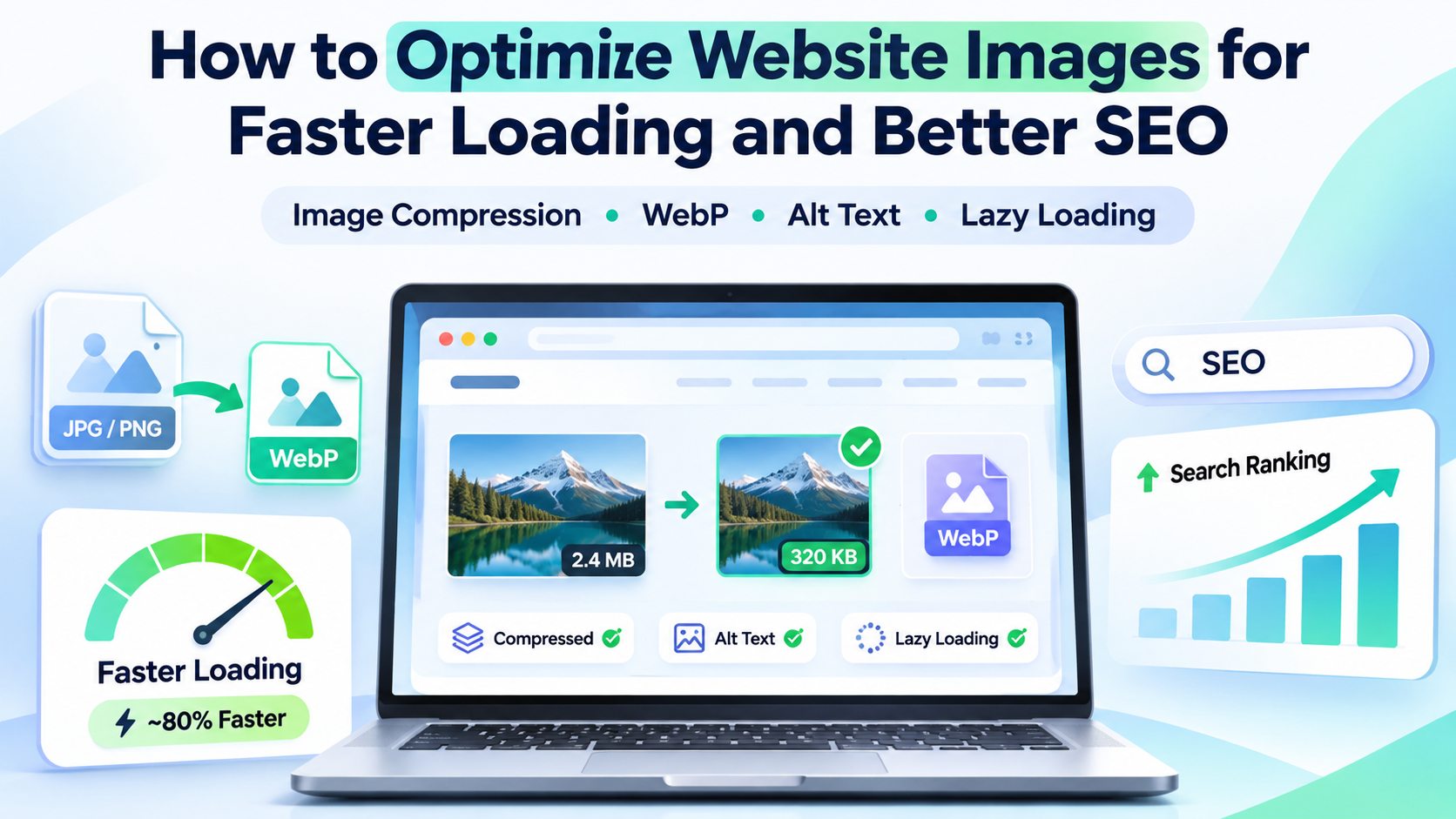
“Images are essential for creating visually appealing and engaging websites. They help businesses showcase products, explain services, and improve the overall browsing experience. However, large and unoptimized images can significantly slow down website loading speed, especially on mobile devices and slower internet connections. Image optimization is an important part of technical SEO because it reduces unnecessary file sizes while maintaining visual quality. Faster-loading images contribute to better user experiences, improved website performance, and more efficient content delivery.”
Why Image Optimization Is Important for Website SEO
Images are essential for creating visually appealing and engaging websites. They help businesses showcase products, explain services, and improve the overall browsing experience. However, large and unoptimized images can significantly slow down website loading speed, especially on mobile devices and slower internet connections. Image optimization is an important part of technical SEO because it reduces unnecessary file sizes while maintaining visual quality. Faster-loading images contribute to better user experiences, improved website performance, and more efficient content delivery.
Choose the Right Image Format for Better Performance
Choosing the correct image format is one of the most effective ways to optimize website images. Different image formats offer different levels of compression, visual quality, and browser compatibility. Using an inappropriate format may unnecessarily increase file size and affect loading performance. Modern image formats such as WebP and AVIF provide efficient compression while maintaining good visual quality. These formats are particularly useful for business websites, e-commerce platforms, blogs, and image-heavy landing pages.
Compress and Resize Images Without Losing Quality
Large image files are among the common causes of slow-loading websites. Uploading high-resolution images directly from cameras or graphic design applications can increase page weight and create unnecessary loading delays. Image compression reduces file size by removing redundant information, while resizing ensures images match the dimensions required by the website layout. Combining these techniques helps maintain a professional appearance while improving performance.
Optimize Image File Names and Alt Text for Google SEO
Image optimization involves more than reducing file size. Search engines also depend on descriptive information to understand the context and relevance of images displayed on a webpage. Using meaningful image filenames and alternative text helps improve accessibility and provides search engines with additional information about visual content. These practices can support image discovery and visibility in Google Images.
Implement Lazy Loading and Responsive Images
Lazy loading is an effective website performance technique that allows images to load only when they are needed. Instead of downloading every image immediately, browsers can delay loading images located farther down a webpage. This technique is particularly useful for blogs, e-commerce product listings, portfolio websites, and image galleries containing multiple visual elements. Responsive images are equally important because users access websites through smartphones, tablets, laptops, and desktop computers. Delivering appropriately sized images ensures that smaller devices do not download unnecessarily large files.
Improve Core Web Vitals Through Image Optimization
Core Web Vitals are performance measurements used to evaluate important aspects of website user experience. Poorly optimized images can negatively affect loading performance and visual stability, making these metrics important considerations during website development. Large hero banners, oversized product photographs, and images without defined dimensions can contribute to performance issues. Proper image optimization helps address these problems and supports more efficient page rendering.
Common Image SEO Mistakes and How to Avoid Them
Many websites experience slow loading times because images are uploaded without proper optimization. Even a professionally designed website may struggle with performance when large image files, incorrect formats, and inefficient loading techniques are used. Identifying and fixing these mistakes is an important part of maintaining a technically optimized website. Regular image audits can reveal opportunities to reduce page weight, improve loading behavior, and enhance search engine accessibility.
Conclusion
Optimizing website images is an essential step toward creating faster, more accessible, and SEO-friendly websites. Choosing suitable image formats, compressing files, using descriptive alt text, implementing lazy loading, and delivering responsive images can significantly improve website performance and user experience. Image optimization also helps support Core Web Vitals, reduces unnecessary bandwidth consumption, and makes visual content easier for search engines to understand. When combined with quality content, responsive web design, and effective technical SEO practices, these improvements contribute to a stronger website foundation. At Seyfert Infotech, we focus on building modern, responsive, and SEO-friendly websites that combine professional design with efficient performance. Our website development and digital marketing solutions help businesses strengthen their online presence and create better digital experiences for their customers.