
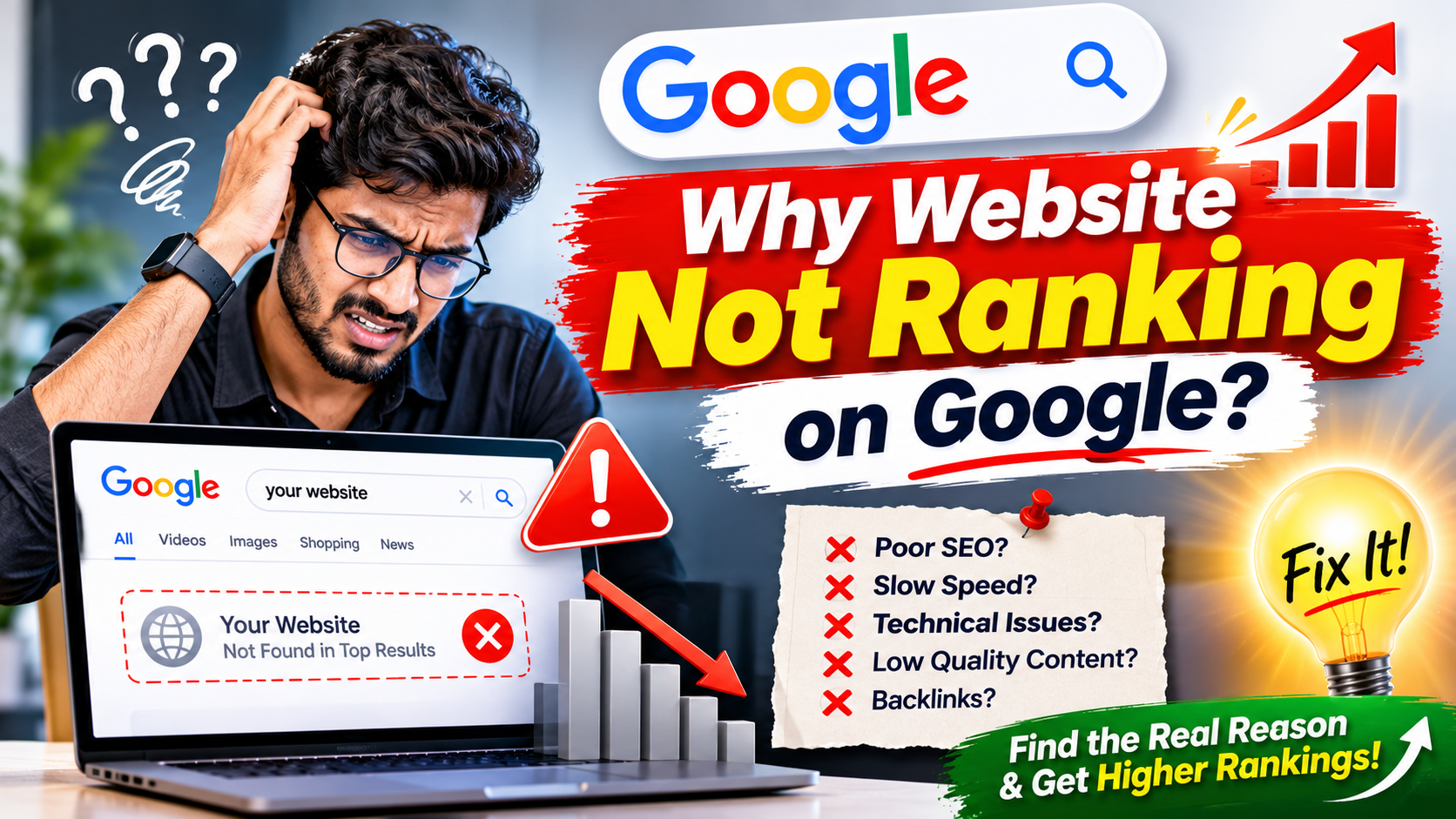
“Having a website does not automatically guarantee visibility on Google. A website may look professional and contain useful information, but still struggle to appear in search results because of technical SEO problems, weak content, poor keyword targeting, indexing issues, or strong competition.”
Why Is Your Website Not Ranking on Google?
Having a website does not automatically guarantee visibility on Google. A website may look professional and contain useful information, but still struggle to appear in search results because of technical SEO problems, weak content, poor keyword targeting, indexing issues, or strong competition.
Google uses multiple systems to discover, understand, and rank webpages. If your website does not provide relevant information, offer a good user experience, or allow search engines to access important pages, it may struggle to gain organic visibility. Understanding the actual problem is the first step towards improving rankings.
Your Website Pages Are Not Indexed by Google
One possible reason your website is not ranking is that Google has not indexed its important pages. Indexing allows Google to store and consider webpage information for relevant search results. A page that is not indexed generally cannot appear in Google's normal organic search results.
Check your website using Google Search Console to identify indexing problems. Review the Page Indexing report, inspect important URLs, and check for accidental noindex tags, blocked resources, incorrect canonical settings, or server errors that may prevent Google from accessing your content.
Your Website Targets the Wrong Keywords
Keyword selection plays an important role in SEO because it connects your website content with what people are searching for. If your pages target keywords that are unrelated to your services or do not match customer search intent, they may attract limited relevant traffic.
Research the phrases your potential customers actually use when looking for your products or services. Consider search intent, location-based searches, long-tail keywords, and specific questions. Each important webpage should focus on a clear topic instead of targeting several unrelated keywords.
Your Website Content Is Not Useful Enough
Content quality is an important part of building search visibility. Pages containing only short promotional statements, repeated keywords, generic descriptions, or copied information may not provide enough value to visitors. Google aims to present helpful and relevant information that satisfies the user's search.
Improve your content by explaining your services, answering customer questions, providing practical details, and including relevant examples. Each page should offer a clear purpose and useful information that helps visitors understand their options or solve a problem.
Your Website Has Slow Loading Speed
A slow website can create a frustrating experience, especially for visitors using mobile devices or slower internet connections. Large images, unnecessary scripts, excessive plugins, inefficient database queries, and poor server response times can affect how quickly webpages load.
Test important pages using Google PageSpeed Insights and review the performance recommendations. Optimize images, reduce unnecessary JavaScript and CSS, enable suitable caching, improve server performance, and monitor Core Web Vitals to identify areas that need attention.
Your Website Is Not Mobile-Friendly
Many people discover businesses and services through smartphones. If your website has difficult navigation, unreadable text, overflowing layouts, poorly sized buttons, or forms that do not work properly on mobile screens, visitors may struggle to use it.
Use responsive web design to ensure that content and functionality adapt to different screen sizes. Test menus, images, forms, buttons, typography, and page layouts across smartphones, tablets, and desktop devices to provide a consistent experience.
Your Website Has Poor Technical SEO
Technical SEO helps search engines access and understand website content. Problems involving robots.txt, XML sitemaps, canonical tags, redirects, broken links, HTTP status codes, duplicate URLs, or website architecture can make important pages difficult to crawl or index correctly.
Conduct a technical SEO audit to identify errors affecting important pages. Check whether search engines can access your content, verify that preferred URLs are configured correctly, fix broken internal links, and ensure that important pages return appropriate status codes.
Your Website Has Weak Internal Linking
Internal links connect different pages within your website and help visitors discover related information. If important pages are isolated or difficult to reach through navigation, users and search engines may have trouble understanding how your content is connected.
Create meaningful links between related service pages, blog articles, product pages, location pages, and FAQs. Use descriptive anchor text that explains the destination instead of relying only on generic phrases such as click here.
Your Website Has Limited Quality Backlinks
Backlinks are links from other websites that point to your pages. Relevant and trustworthy links can help search engines understand your website's reputation and authority within a topic or industry. A website with limited external recognition may find it difficult to compete for highly competitive search terms.
Focus on earning relevant backlinks through useful resources, original research, genuine business partnerships, industry publications, and valuable content. Avoid buying large numbers of low-quality links or using automated link-building methods that can create unnecessary SEO risks.
Your Website Does Not Match Search Intent
Search intent describes what a person wants to achieve when entering a query into Google. Someone searching for information may expect a detailed guide, while someone searching for a service may want provider details, examples, locations, and a clear way to make an enquiry.
Review the search results for your target keyword to understand the type of information Google is showing. Then create a page that addresses the same general need while offering useful, original information that helps visitors make informed decisions.
Your Website Has Duplicate or Thin Content
Duplicate content occurs when substantially similar information appears across multiple URLs or pages. Thin content refers to pages that provide little meaningful information for visitors. Both situations can make it harder to establish the purpose and value of individual pages.
Review pages that contain repetitive descriptions, nearly identical service information, or very limited content. Improve them with original details, combine overlapping pages where appropriate, and use canonical tags or redirects when technically suitable.
Your Website Is New and Needs Time
New websites may not achieve strong Google rankings immediately. Search engines need to discover pages, crawl them, understand their content, and evaluate how they relate to different searches. Competitive keywords can require sustained improvements before a website gains meaningful visibility.
Instead of expecting instant rankings, publish useful content consistently and maintain a technically healthy website. Monitor indexing, impressions, clicks, and keyword performance in Google Search Console to understand whether your website is making progress.
Your Competitors Have Stronger SEO Strategies
Your website may be competing against businesses with more established websites, stronger topic coverage, better technical performance, and more relevant external links. Even well-written content can struggle when competing pages satisfy search intent more effectively.
Study the pages ranking for your target keywords and identify what information they provide. Look for useful content gaps, missing customer questions, unclear service details, and opportunities to improve your own website with more complete and helpful information.
Your Local SEO Is Not Properly Optimized
Businesses serving customers in a particular city or region need to provide clear local information. If your website does not mention relevant service locations, business details, contact information, or location-specific services, it may struggle to appear for suitable local searches.
Create useful location pages where they genuinely help customers, maintain an accurate Google Business Profile, and keep your business name, address, and phone number consistent across relevant platforms. Local SEO should focus on real service areas rather than creating repetitive pages for every nearby location.
Your Website Lacks Trust and Business Information
Visitors need clear information before deciding whether to contact or purchase from a business. Missing contact details, unclear service descriptions, outdated information, broken pages, and a lack of genuine business information can reduce confidence in your website.
Provide accurate company details, service information, contact options, privacy policies, and relevant examples of your work. Where appropriate, include genuine customer feedback, project details, qualifications, and information that demonstrates your experience in the industry.
How to Check Why Your Website Is Not Ranking
Start your investigation with Google Search Console to understand whether important pages are indexed and which search queries are generating impressions and clicks. Review the performance and indexing reports to identify pages that are receiving little visibility or experiencing technical problems.
Next, use Google Analytics and website performance tools to understand visitor behaviour, page engagement, and loading issues. Combine this information with keyword research and competitor analysis to identify whether your main challenges involve technical SEO, content quality, search intent, or competition.
How to Improve Your Google Search Rankings
Begin with the most important problems instead of changing everything at once. Fix indexing errors, improve important service pages, target relevant keywords, optimize page titles and descriptions, strengthen internal linking, improve mobile usability, and resolve performance issues that affect visitors.
Build a consistent content strategy around the questions and needs of your target audience. Publish original guides, useful FAQs, detailed service information, and relevant supporting articles. Measure results regularly and improve pages based on actual search performance rather than relying on assumptions.
Prepare Your Website for AI Search in 2026
Search experiences are evolving with AI Overviews, AI Mode, and other AI-powered discovery features. Businesses should make their website information clear, accurate, well-organized, and useful so that people and modern search systems can understand their products, services, expertise, and answers.
Answer Engine Optimization and Generative Engine Optimization can complement traditional SEO by focusing on direct answers, useful explanations, original expertise, and structured information. However, they do not replace technical SEO, relevant content, website accessibility, or the need to satisfy customer search intent.
Common SEO Mistakes That Prevent Better Rankings
Some common mistakes include targeting irrelevant keywords, publishing copied content, repeating keywords unnaturally, ignoring mobile usability, creating duplicate pages, neglecting technical SEO, and building low-quality backlinks. These practices can weaken the overall quality of a website and make it harder to compete in search results.
Another mistake is expecting immediate results from SEO changes. Rankings can fluctuate as search engines recrawl pages and reassess results. A consistent strategy based on useful content, technical improvements, and performance monitoring is more sustainable than repeatedly making unrelated changes.
Build a Stronger SEO Foundation for Long-Term Growth
A website that is not ranking on Google may have several problems rather than one single issue. Technical errors, poor content, weak keyword targeting, slow loading speed, limited authority, and mismatched search intent can all contribute to low visibility.
The best way forward is to identify the actual reasons, prioritize improvements, and measure the results. With a clear SEO strategy, useful website content, strong technical foundations, and regular optimization, businesses can improve their chances of earning relevant organic traffic over time.
Not Ranking on Google? Find the SEO Problems, Fix the Foundation, and Build Your Search Visibility.
Your website should do more than simply exist online. It should help customers discover your business, understand your services, and take the next step. Improving technical SEO, content quality, website performance, and search intent alignment can turn an underperforming website into a stronger digital asset.
Frequently Asked Questions About Google Website Rankings
Why is my website not showing on Google?
Your website may not appear on Google because its pages are not indexed, search engines cannot access important content, or technical settings are preventing discovery. Check Google Search Console for indexing issues, noindex directives, robots.txt restrictions, and server errors.
How long does it take for a website to rank on Google?
There is no fixed timeline for Google rankings. Results depend on website history, competition, content quality, technical SEO, relevance, and authority. New websites and competitive keywords may require sustained optimization before noticeable improvements appear.
Can website speed affect Google rankings?
Website speed contributes to page experience and is considered through Google's page experience systems, including Core Web Vitals. Improving performance can support usability, but speed alone does not guarantee higher rankings.
How can I check whether Google has indexed my website?
Use Google Search Console's URL Inspection tool to check individual pages and the Page Indexing report to review indexing status across your website. You can also search for a specific URL on Google, although Search Console provides more detailed information.
Do I need SEO services if my website is not ranking?
Professional SEO support can help identify technical issues, improve content strategy, research relevant keywords, and monitor search performance. The right approach depends on your website's current condition, business goals, competition, and available resources.